
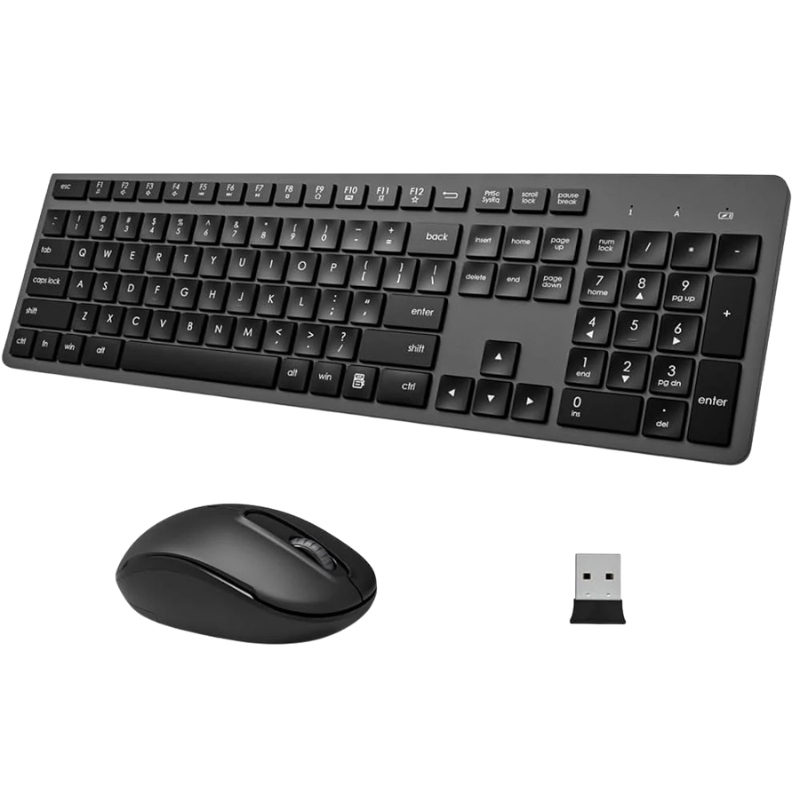
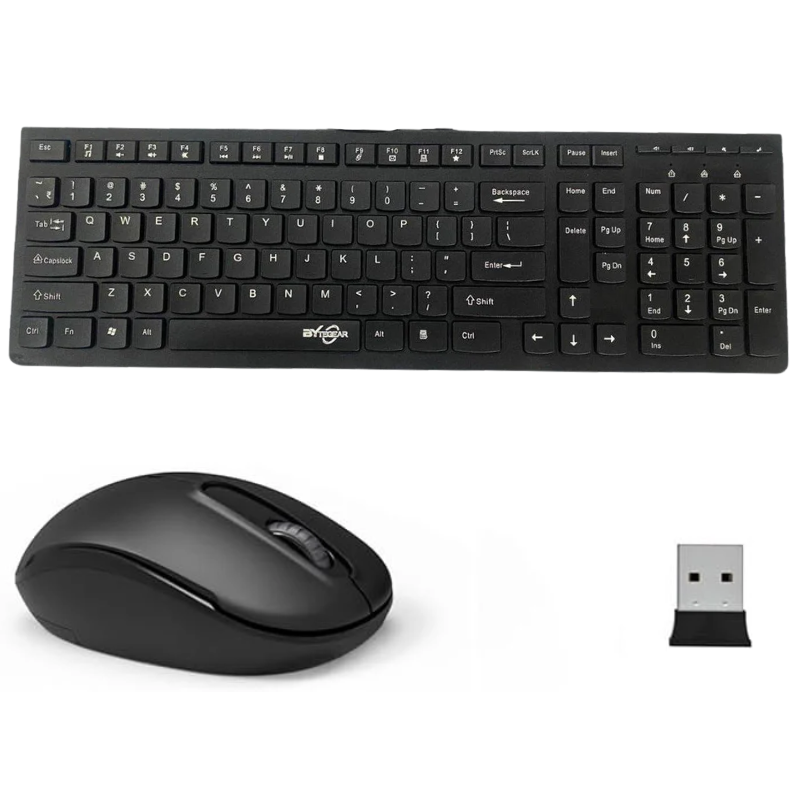
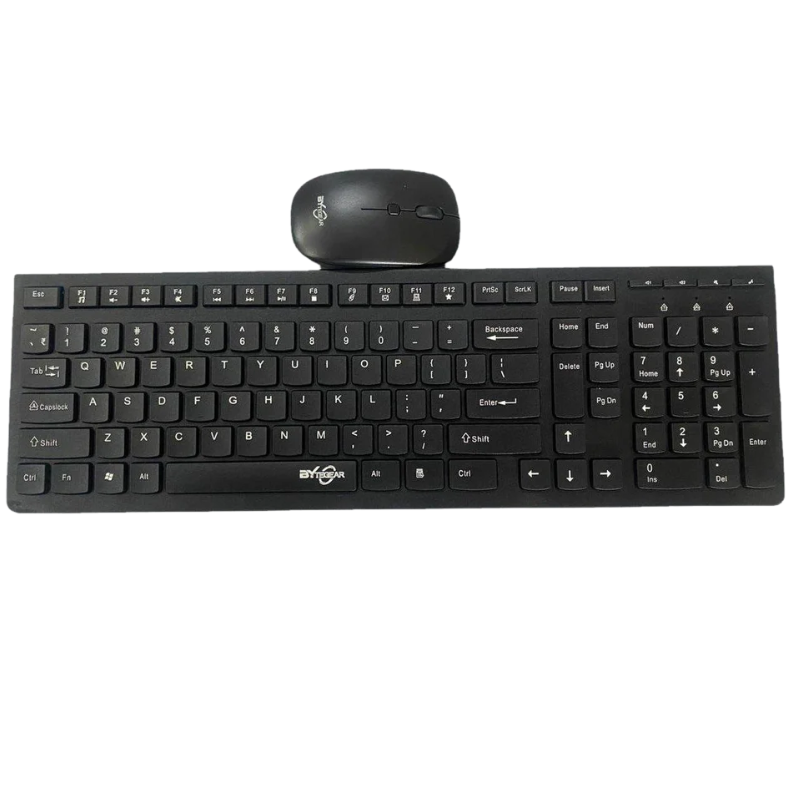
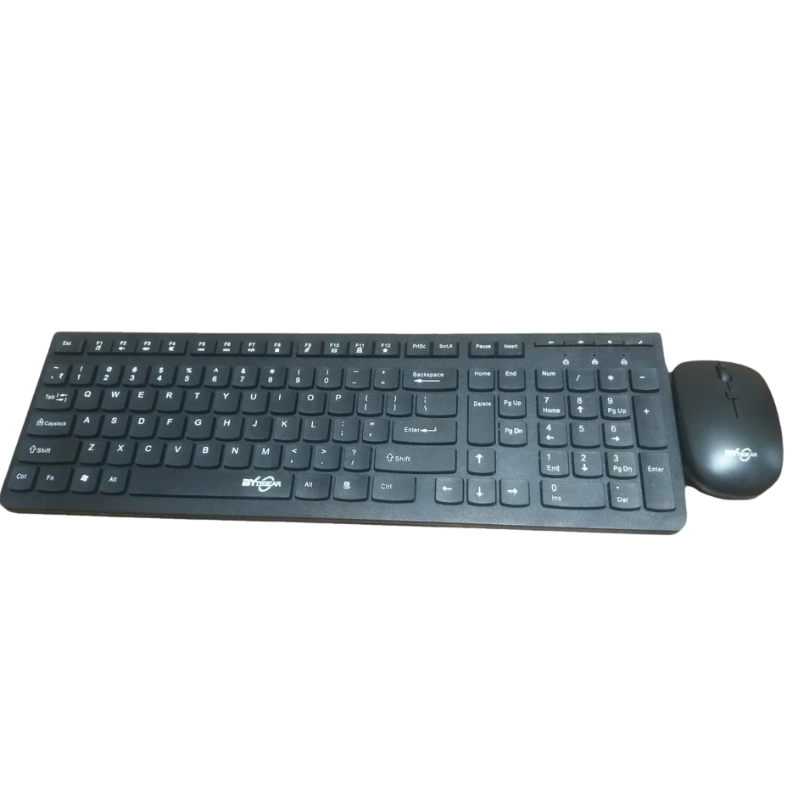
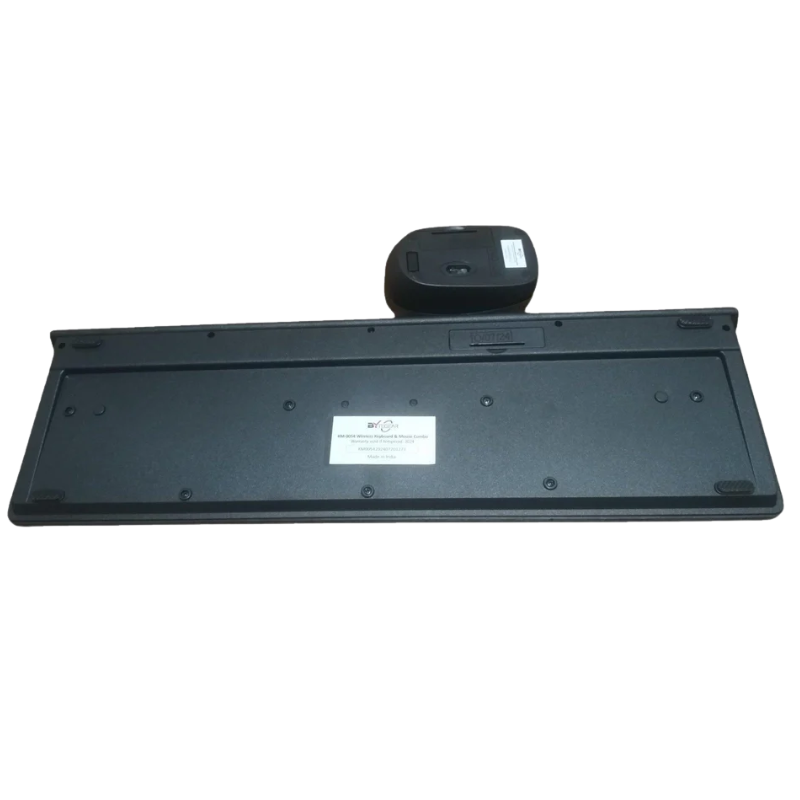
Wireless Keyboard & Mouse Combo
A wireless keyboard and mouse combo is the perfect solution for anyone looking to create a clean, efficient, and modern workspace. Designed to eliminate the hassle of tangled wires, this combo connects seamlessly to your laptop, desktop, or smart devices using Bluetooth® or 2.4GHz wireless technology. It offers smooth performance, reliable connectivity, and enhanced comfort, making it ideal for office work, home use, gaming, or travel. Whether you’re typing long documents, browsing the web, or working on creative tasks, this combo ensures convenience, flexibility, and productivity in every click and keystroke.
Key Features of Wireless Keyboard & Mouse Combo
1. Wireless Connectivity for Hassle-Free Use
The combo connects via Bluetooth® or USB receiver (2.4GHz RF), allowing you to use both keyboard and mouse without any cables. Just plug and play or pair instantly—no complex setup required.
2. Clean & Organized Workspace
With no wires involved, your desk looks neat and clutter-free. It improves focus and gives a professional, minimal setup.
3. Long Wireless Range
Enjoy smooth connectivity up to 8–10 meters, allowing you to control your device comfortably from a distance without lag or interruption.
4. Ergonomic & Comfortable Design
The keyboard is designed for comfortable typing with soft keys, while the mouse fits naturally in your hand—perfect for long working hours.
5. Silent Typing & Clicking Experience
Low-noise keys and smooth mouse clicks ensure a quiet working environment, ideal for offices, libraries, or late-night work.
6. High Precision Mouse Control
The mouse comes with accurate tracking and adjustable DPI (in some models), making it suitable for both regular work and creative tasks.
7. Multimedia & Shortcut Keys
Keyboard includes shortcut buttons for volume, brightness, media control, and more—helping you work faster and efficiently.
8. Compact & Portable Design
Lightweight and easy to carry, making it perfect for travel, remote work, or shifting between office and home.
9. Energy Efficient & Long Battery Life
Designed for low power consumption, the combo can last for months on a single set of batteries (depending on usage).
10. Universal Compatibility
Works smoothly with Windows, macOS, and some Android devices, ensuring wide usability across different platforms.
How to Use Wireless Keyboard & Mouse Combo
1. Insert Batteries
Open the battery compartment of both keyboard and mouse and insert the required batteries correctly.
2. Connect the Device
For USB Receiver: Plug the nano receiver into your laptop/PC
For Bluetooth: Turn on Bluetooth and pair the devices
3. Power On the Devices
Switch on both keyboard and mouse using the power button (usually at the back or bottom).
4. Wait for Auto Connection
Devices will automatically connect within a few seconds—no drivers needed in most cases.
5. Start Using
Once connected, you can immediately begin typing and navigating smoothly.
How to Care for Wireless Keyboard & Mouse Combo
1. Keep It Clean
Use a soft cloth to clean dust and dirt. Avoid liquid spills on the keyboard.
2. Store Properly
Keep in a dry and safe place when not in use. Avoid extreme heat or moisture.
3. Maintain Battery Health
Remove batteries if not using for a long time to prevent leakage.
4. Handle with Care
Avoid dropping the mouse or pressing keys too hard to maintain long life.
5. Turn Off When Not in Use
Switch off devices to save battery when not needed.
Safety & Performance Features
1.Stable Wireless Connection
Ensures lag-free and uninterrupted performance during use.
2.Energy Saving Mode
Automatically goes into sleep mode when idle to save battery.
3.Durable Build Quality
Made with strong materials to withstand daily wear and tear.
4.Spill-Resistant Design (in some models)
Provides basic protection against accidental liquid spills.
5.Reliable Signal Transmission
Maintains consistent connection without interference in normal conditions.
![1[1]](https://emobielite.com/wp-content/uploads/2026/03/11-300x300.png)
![2[1]](https://emobielite.com/wp-content/uploads/2026/03/21-300x300.png)
![3[1]](https://emobielite.com/wp-content/uploads/2026/03/31-300x300.png)

 No products in the cart.
Reviews
There are no reviews yet.